Log in
Skip to sidebar
Skip to main content
Spaces
Hit enter to search
Help
Online Help
Keyboard Shortcuts
Feed Builder
What’s new
Available Gadgets
About Confluence
Log in
iSpring LMS
Page tree
Browse pages
Configure
Space tools
View Page
A
t
tachments (9)
Page History
Export to PDF
Export to Word
Export to HTML
Page Information
View in Hierarchy
Delete comments
View Source
Export to PDF
Export to Word
Pages
…
iSpring LMS
Contenu d'apprentissage
Cours
Pages
Paramètres et mise en forme
Conception de la page
Mise en page et orientation du texte
Page History
Versions Compared
Old Version
2
changes.mady.by.user
Alina Levitskaya
Saved on
Apr 29, 2026
compared with
New Version
Current
changes.mady.by.user
Alina Levitskaya
Saved on
Apr 29, 2026
Previous Change: Difference between versions 1 and 2
View Page History
Key
This line was added.
This line was removed.
Formatting was changed.
...
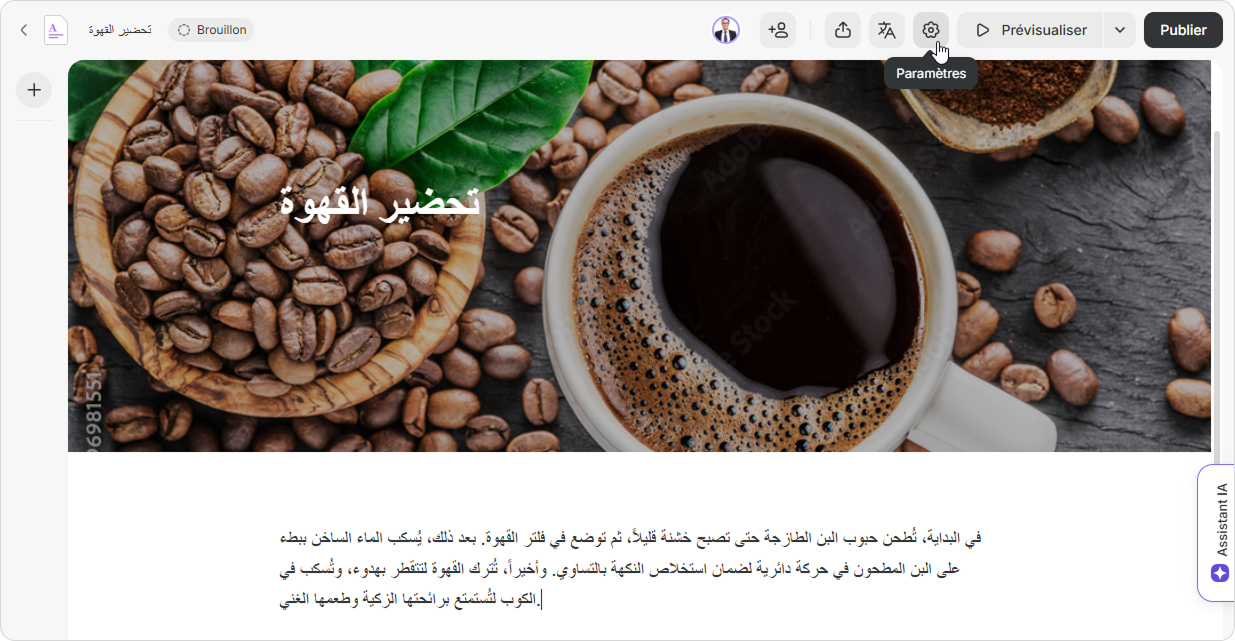
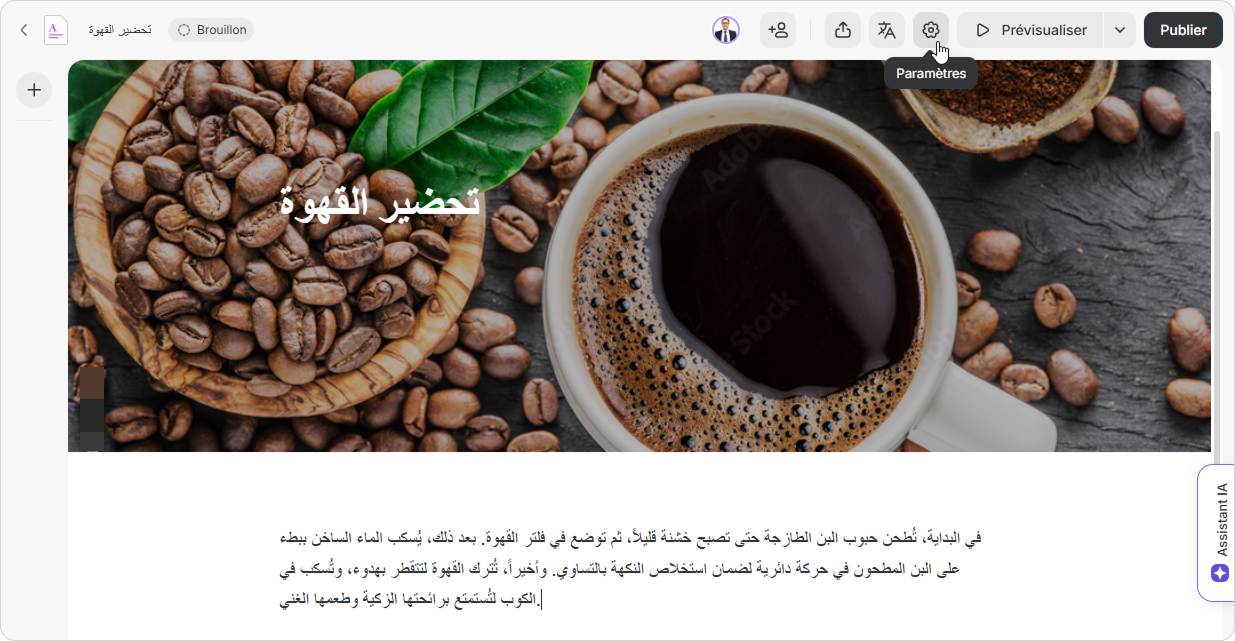
Rendez-vous dans
Paramètres
.
Image Removed
Image Added
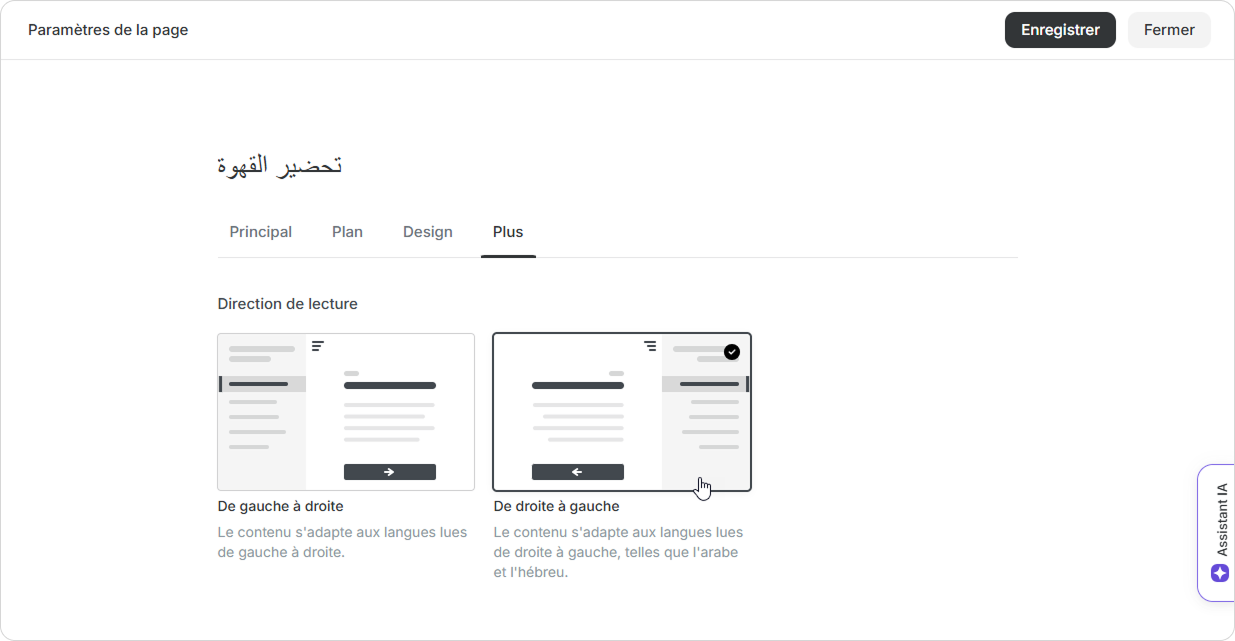
Ensuite, sous l'onglet
Plus
, sélectionnez la direction
De droite à gauche
.
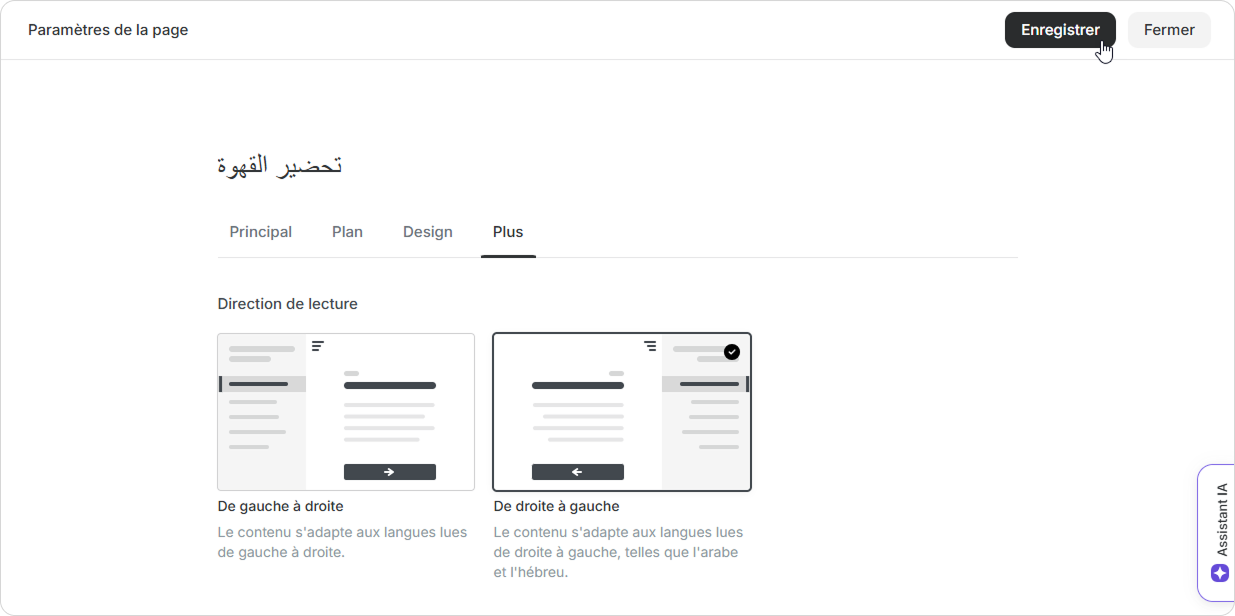
Enregistrez les modifications.
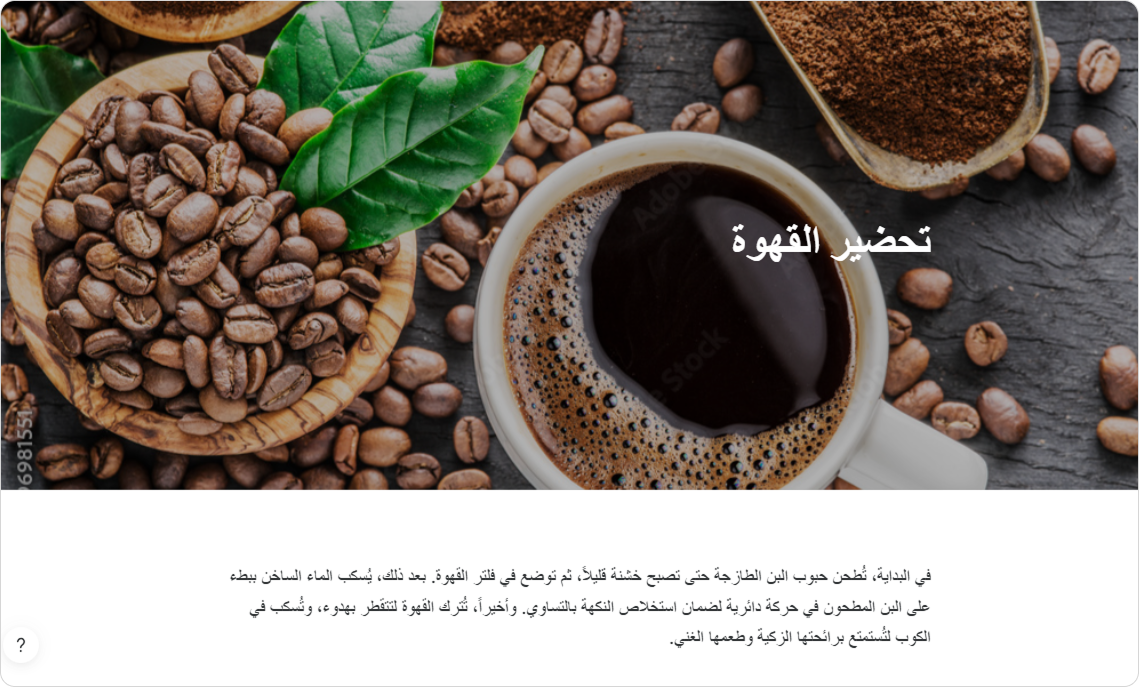
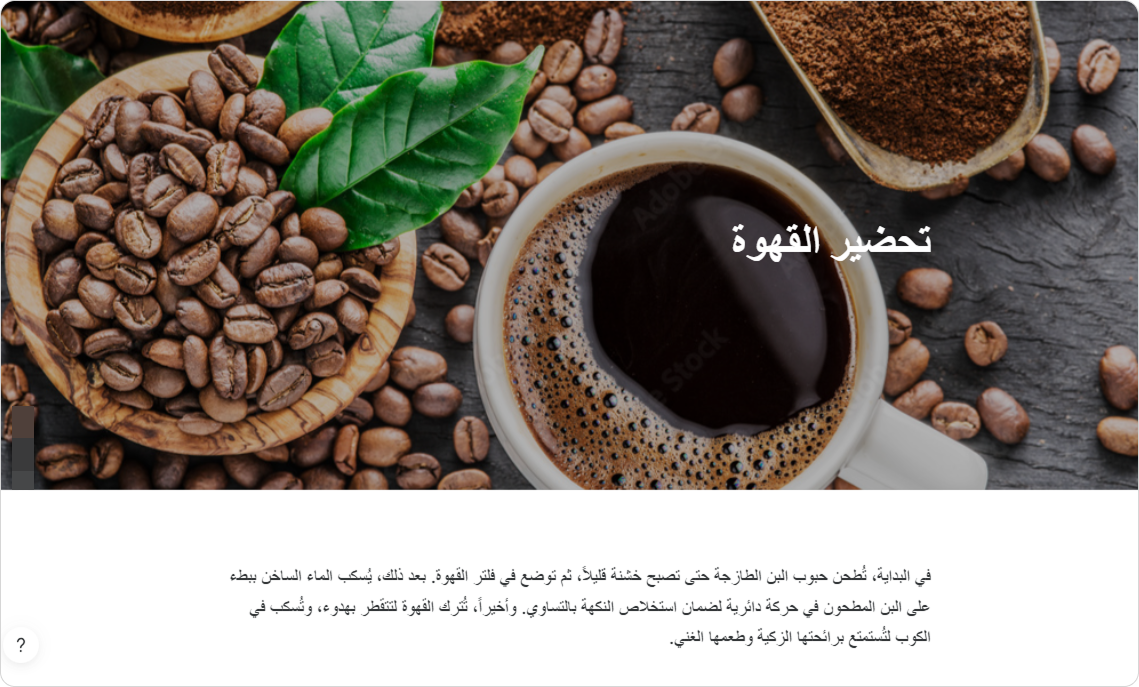
Et voilà ! Maintenant, la mise en page et le texte sont
dans la bonne direction.
Image Removed
Image Added
Overview
Content Tools
{"serverDuration": 202, "requestCorrelationId": "ad271a8484a9a7b1"}