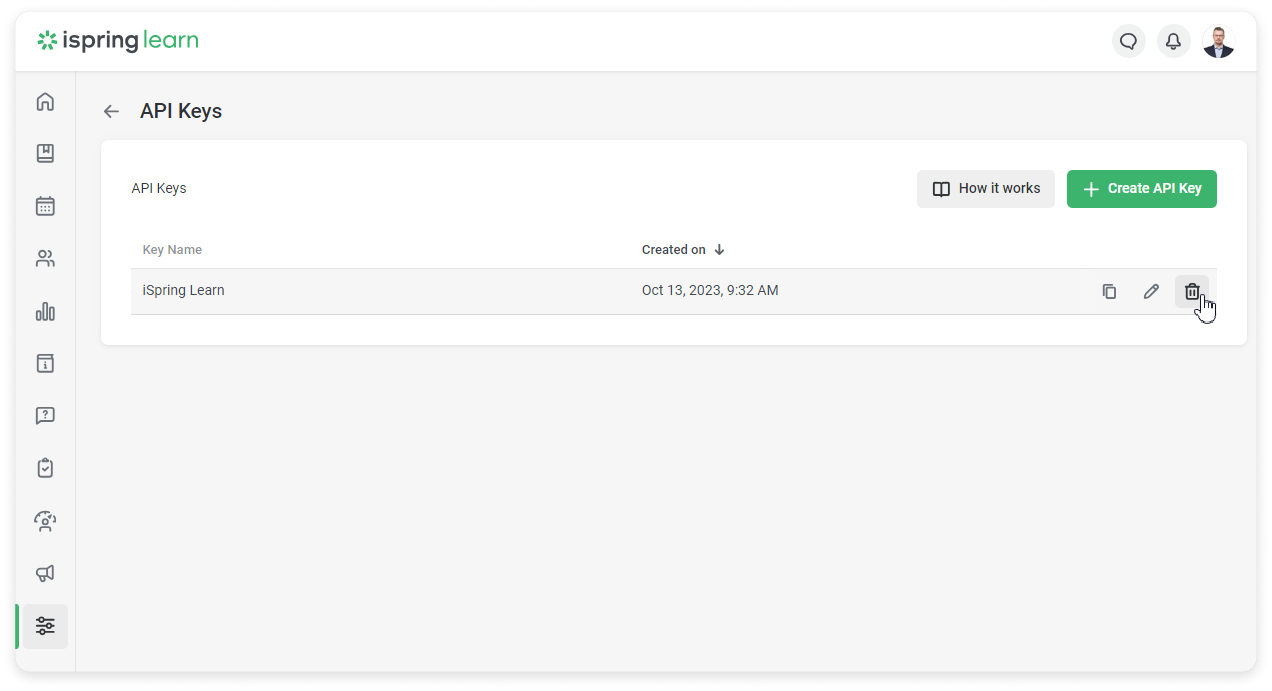
You can create an API Key in iSpring Learn.
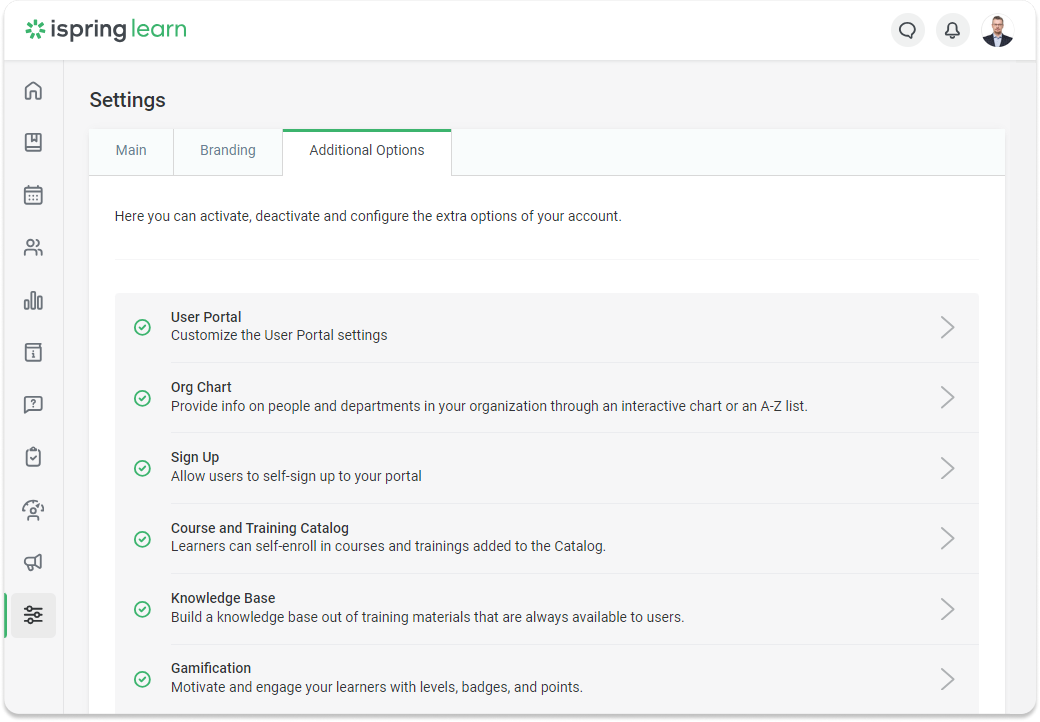
- Go to Settings and click on Additional Options.
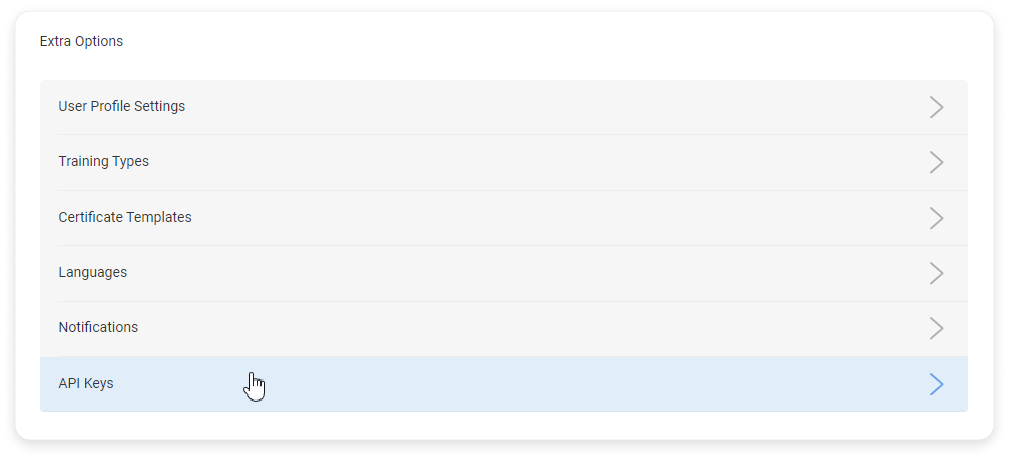
- Scroll down to the Extra Options section and click on API Keys.
- Next, click on Create API Key.
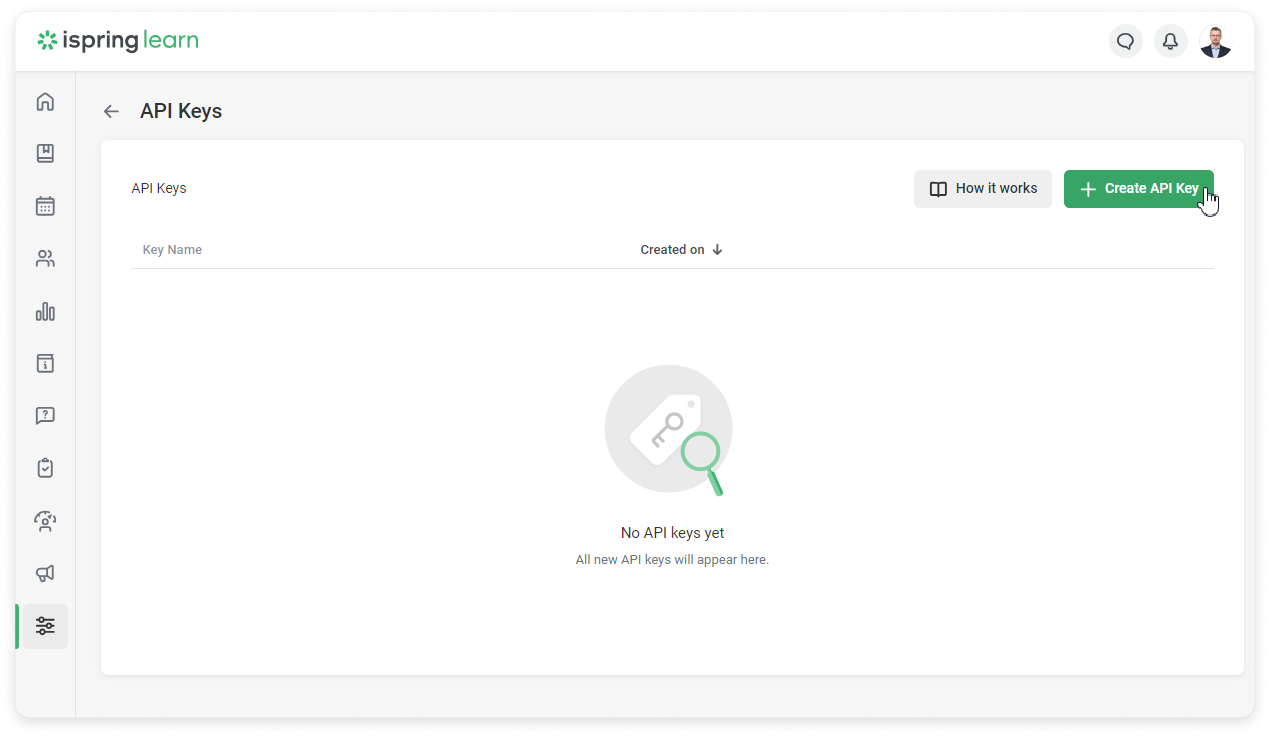
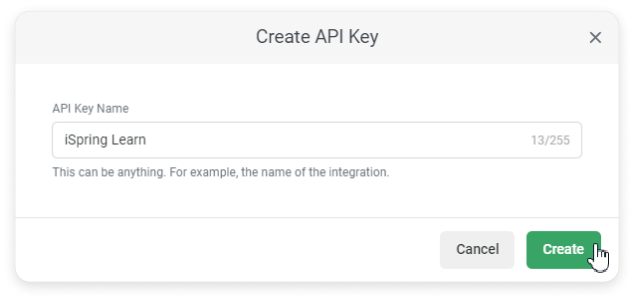
- Enter the name of the API Key and click on Create.
You can change the API Key name. Click on the pencil icon and edit it.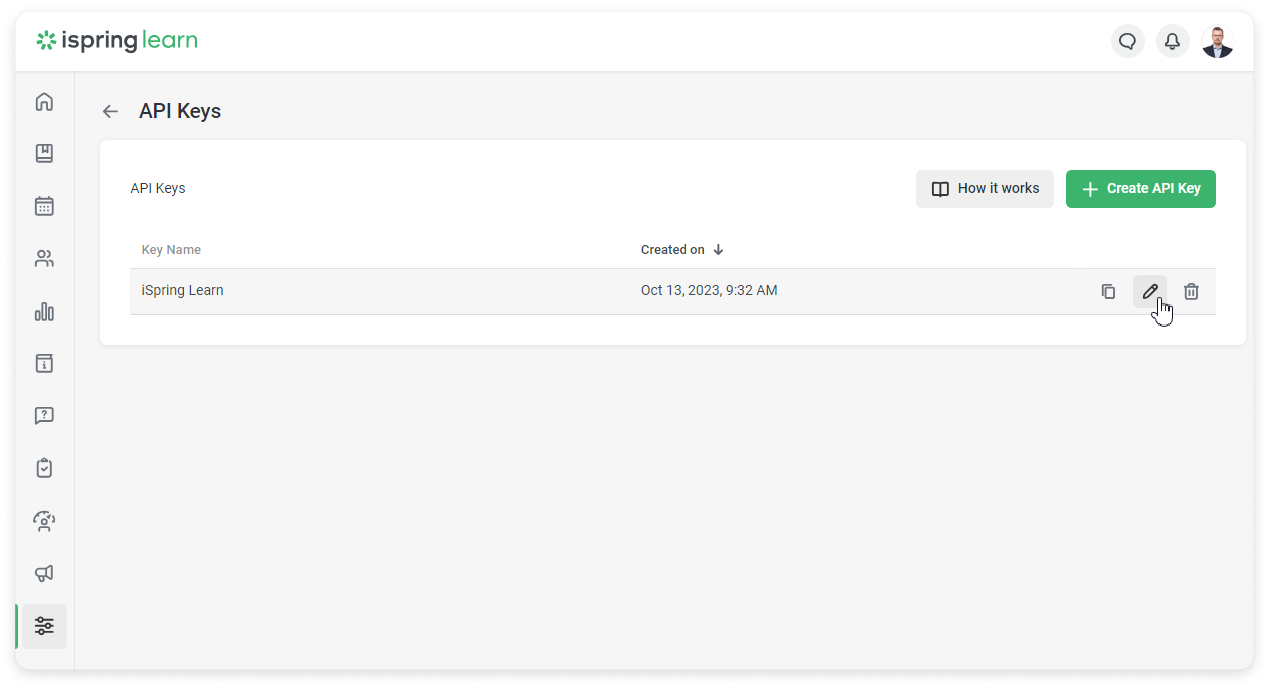
Done! Now you can use the API Key to set up integrations or to get an access token. To do this, open the API Key card and copy the Client ID and Client Secret.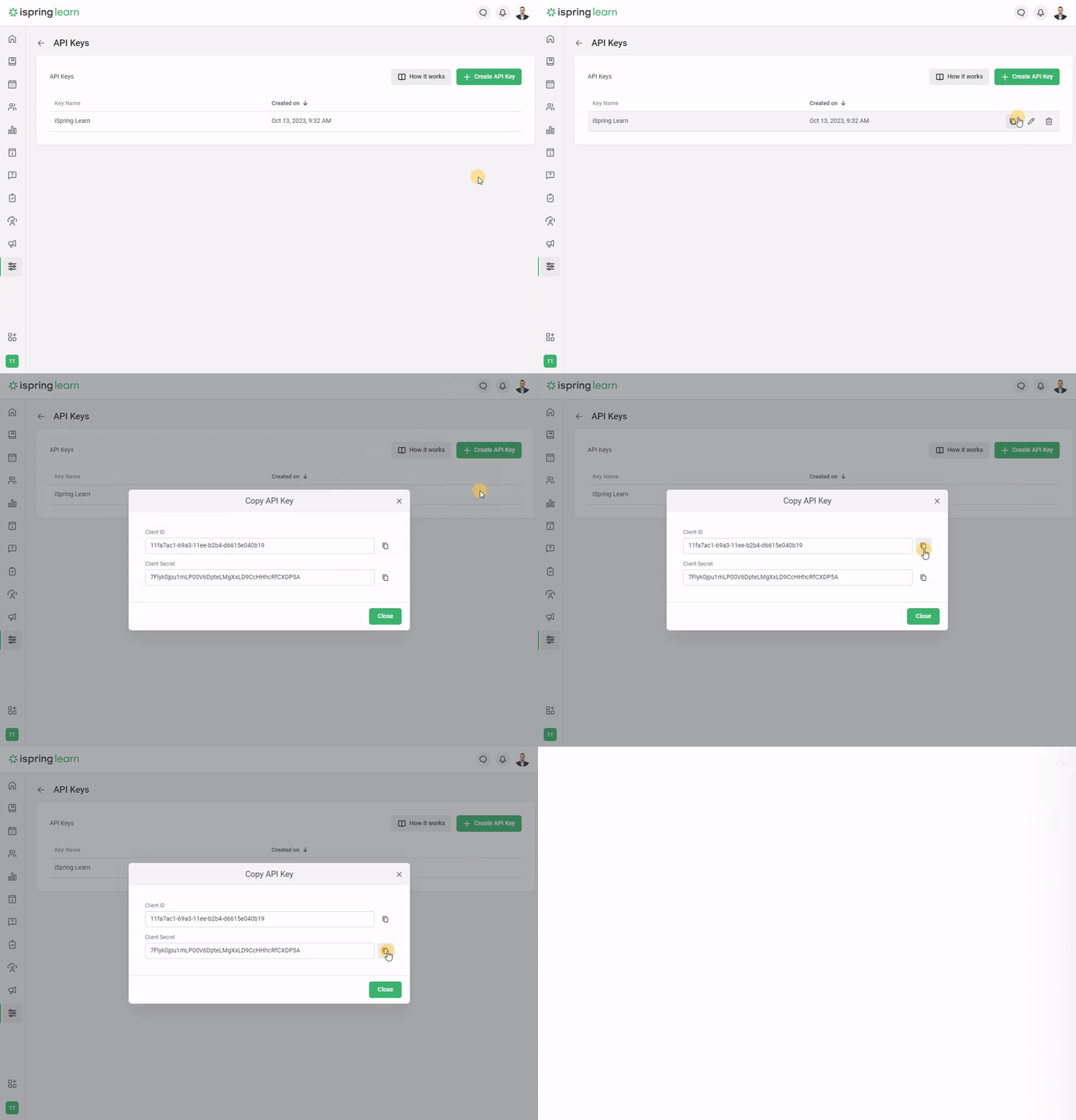
You can also delete the API Key. Click on the trash can icon and Revoke to confirm.